Print on clear film, glass and coloured media with white ink.
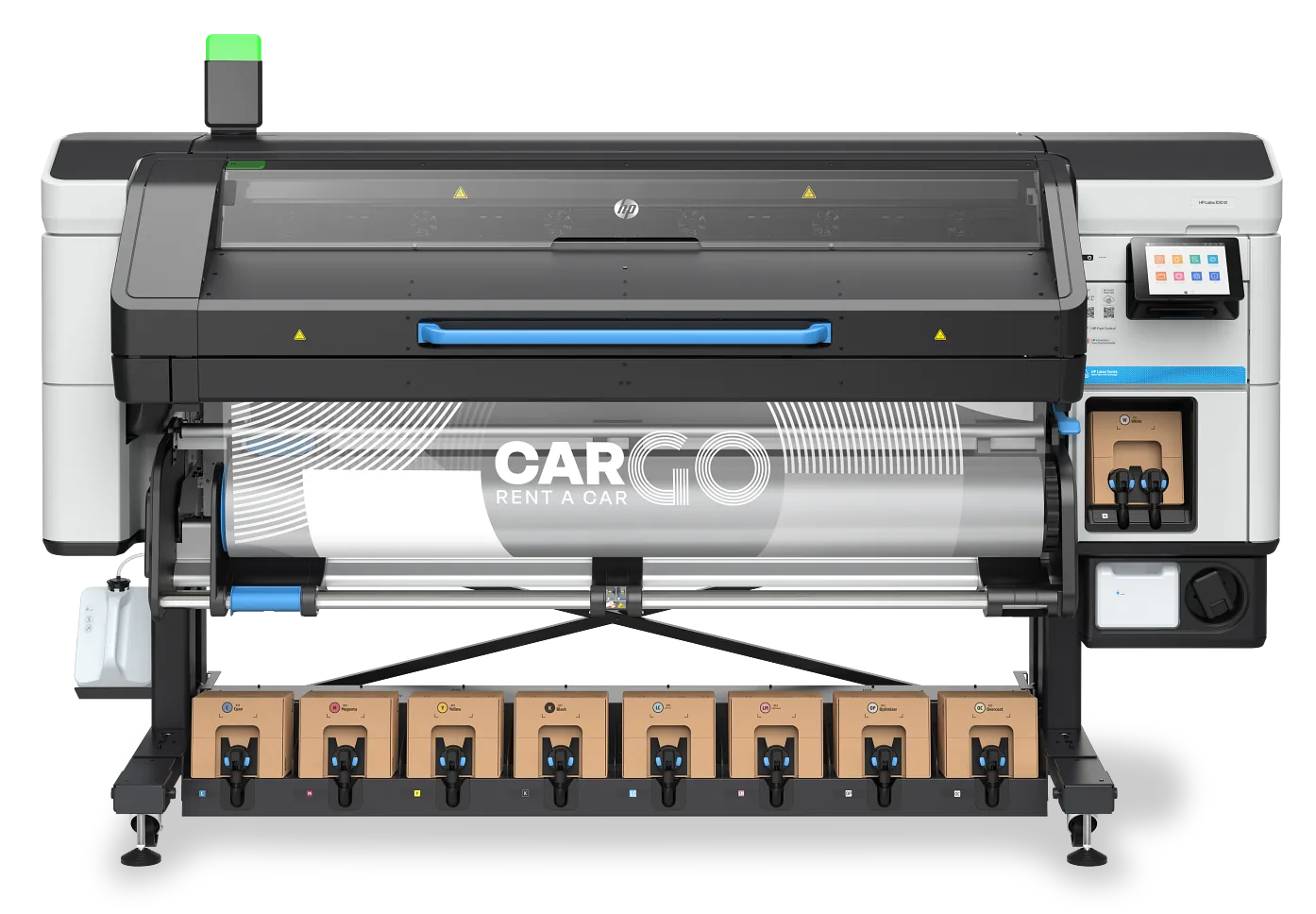
White ink brings window graphics, day/night signs and coloured media in-house. The right printer comes down to how much white you run and what you print it on.
Where the white goes changes the job.
Underflood
White under the colour. It gives clear, coloured and translucent media a solid base, so colours look bright instead of see-through.
Overflood
White on top of the colour. Used for graphics read through clear media from the other side, such as window graphics fixed inside the glass.
Spot and layered white
Spot white prints white text and detail CMYK cannot. Three- and five-layer white builds colour, white, colour for double-sided windows and day/night backlit signs.
What are you trying to solve?
Window graphics and clear film keep going out to a bureau
If white is occasional work, you need reliable white more than fast white. HP parks the white printhead offline when you are not using it, so it does not waste ink or clog. Best fit: HP Latex 630W. One white printhead; spot white at 6 m²/h. Spot, underflood, overflood and three-layer white. Prints come out dry, ready to laminate.
White is becoming everyday work
White prints in its own, slower passes, so at volume white speed sets your capacity. Long layered jobs such as day/night windows suit overnight runs. Best fit: HP Latex 730W or 830W. Two white printheads; spot white at 17 m²/h, nearly three times the 630W. Five-layer white for day/night and double-sided windows. Built-in spectrophotometer.
You run eco-solvent and need to hit brand colours
Orange and red inks widen the colours you can match. Bear in mind eco-solvent prints need time to outgas before laminating; latex prints do not. Best fit: Epson SureColor SC-S80600 or SC-S9100. SC-S80600: white or metallic silver, not both; switching means a colour-mode change. SC-S9100: white is optional, and adds green to orange and red.
Your white work goes onto rigid or clear board
Print white straight onto the board instead of mounting vinyl, including colour, white, colour in one pass for two-sided graphics on clear acrylic. Best fit: HP Latex R530. Boards up to 51 mm thick. White standard, two white printheads.
Every printer here prints white.
Businesses printing white ink with us.
Questions About White Ink Printers.
Which printers can print white ink?
White is built in on the HP Latex 630W, 730W, 830W and R530. It is an option on the Epson SureColor SC-S80600 (in place of metallic silver) and SC-S9100, and on the Fujifilm Acuity Prime.
How much slower is printing with white?
It depends on the mode. On the HP Latex 730W and 830W, colour runs at up to 31 and 36 m²/h; spot white at 17 m²/h, overflood at 9, underflood at 4.4 and five-layer white at 1.5. On the 630W, spot white runs at 6 m²/h and underflood at 2.
Does white ink settle or clog if I only use it now and then?
On HP Latex, white ink recirculates automatically, and when you are not printing white the white printheads are parked offline, so they do not waste ink or clog. If you print white only occasionally, ask us how each model handles it.
How do I set up artwork for white?
In Illustrator, create white as a spot colour on its own layer above the colour, and pull it in slightly from the edges (a choke) so it does not show past the colour. Your RIP maps that spot colour to the white channel.
Latex or eco-solvent for white work?
HP Latex prints come out dry and can be laminated straight away. Eco-solvent prints need time to outgas before laminating, but the Epson SureColor SC-S printers add orange and red inks for brand colours.
What else should I know before buying a white ink printer?
Opacity, upkeep and running cost are the questions we're asked most -- the answers in full are in our white ink guide.
White or metallic silver on the Epson SC-S80600?
One or the other. Switching later means a colour-mode change using cleaning cartridges, so choose the one your work needs most.
Can I see white ink printing before I buy?
Yes. See the printers running at our Demonstration Centre in Woking. If you want to see a particular media or colour printed, ask when you book.
Tell us how much white you run.
We'll match the model to your white workload — call 01483 596 200.